Instagram Comment Automation: Complete Guide
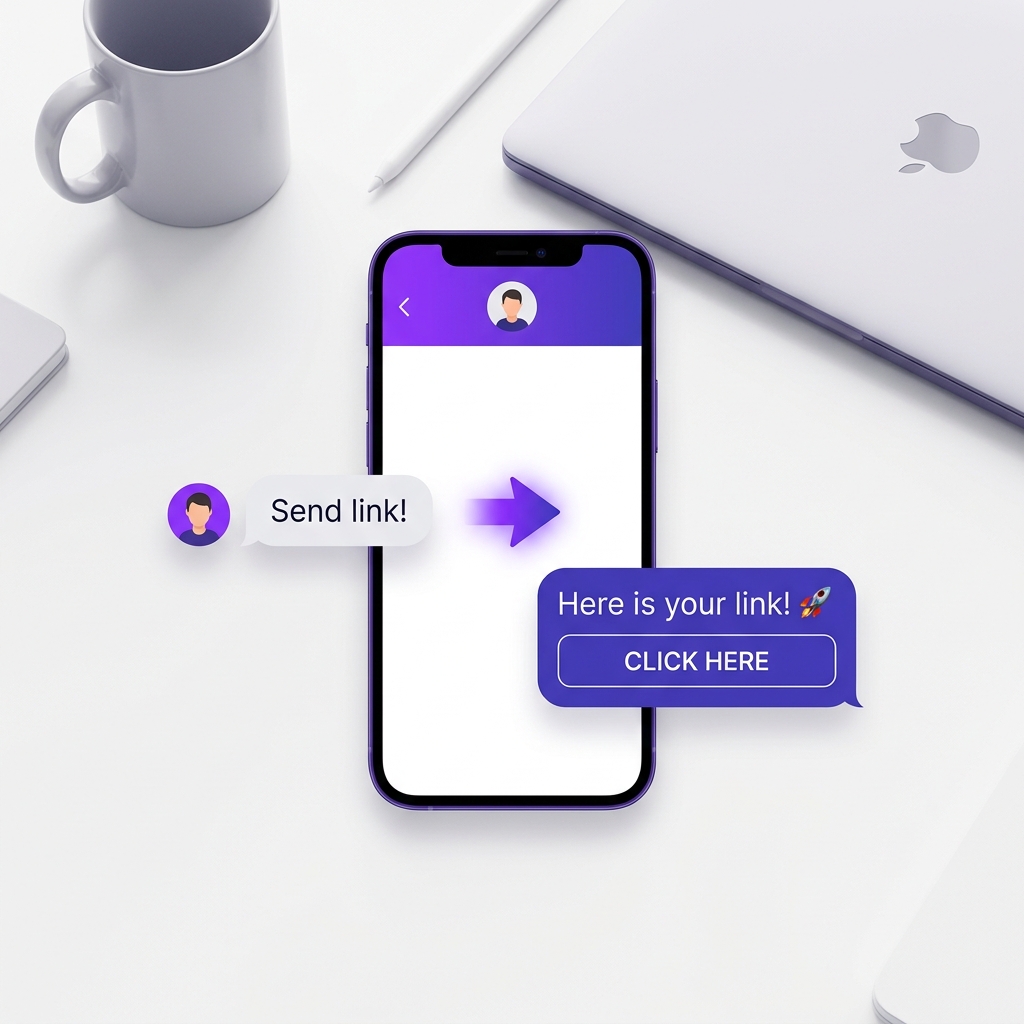
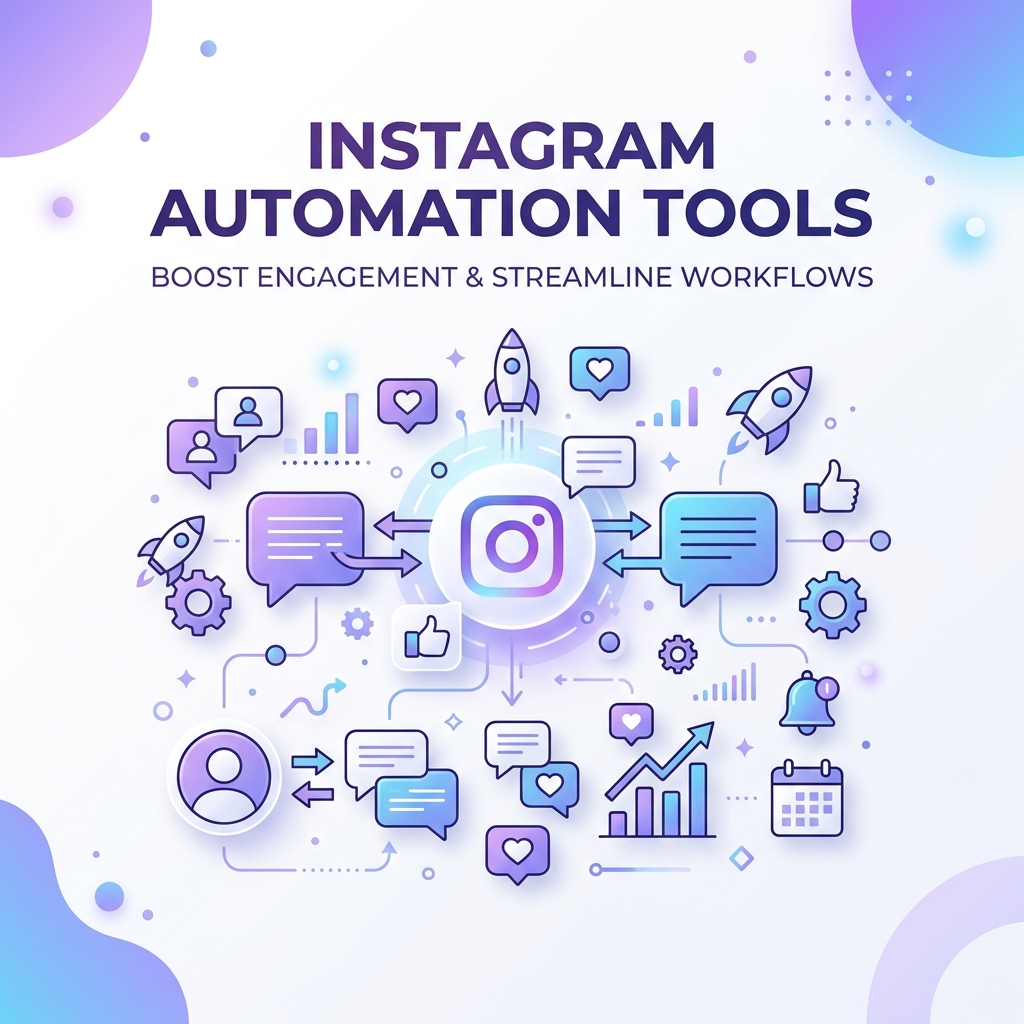
Every time someone comments on your Instagram post, there is a real person on the other end, curious, interested, and ready to buy. Most creators respond hours later, or not at all. By then, the moment is gone. Comment automation fixes this by sending a direct DM the instant someone comments, 24/7, without you touching your phone.
What Is Instagram Comment Automation?
Comment automation is a system that watches your Instagram posts for new comments and automatically sends a direct message to each person who comments. You set it up once: define what triggers it, what message to send, and any conditions like keywords, and it runs on its own from there.
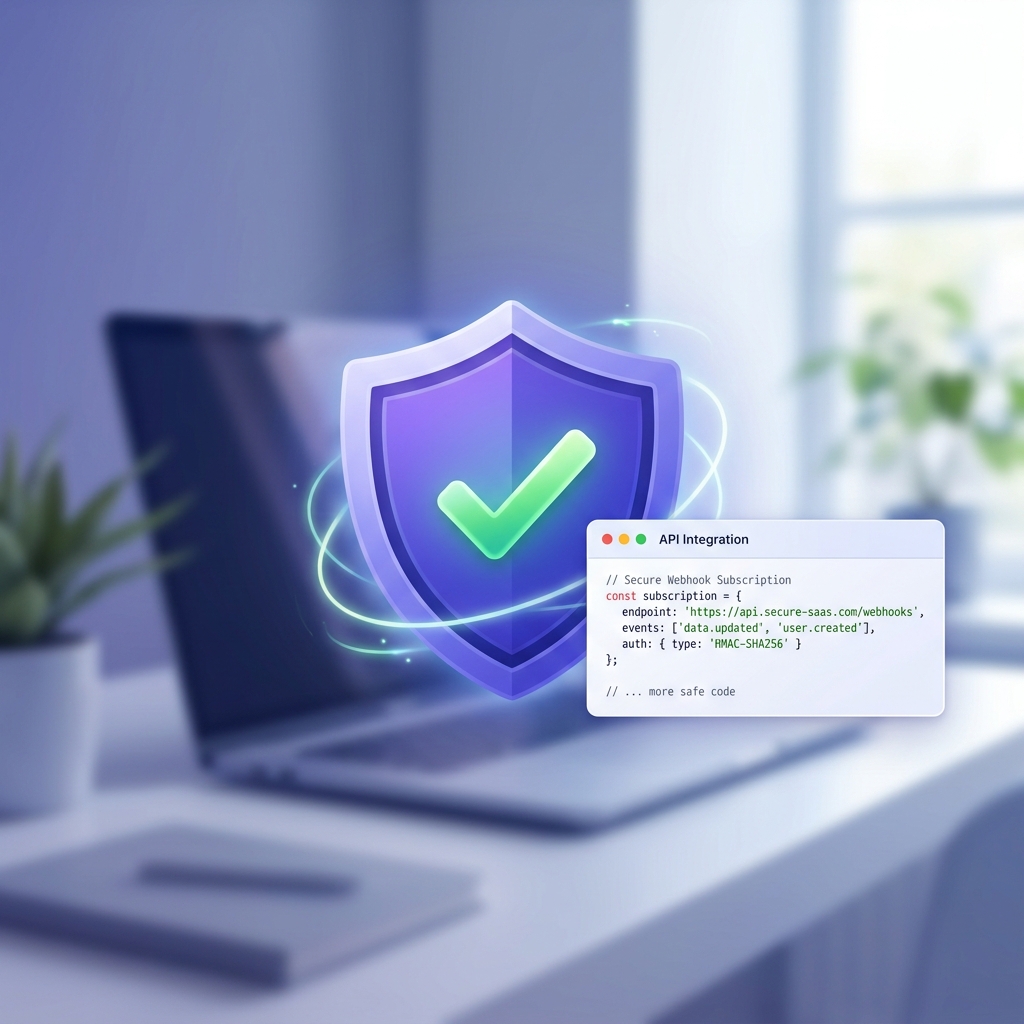
It is not a bot. KwikDM connects to Instagram using Meta's official Instagram Graph API. This is the same API used by Instagram's official business tools. The automation runs within Instagram's own rules.
Why Creators Use Comment Automation
The typical Instagram post receives most of its comments in the first two hours. If you respond manually, you are already late. If you do not respond at all, you lose the lead.
With automation, every commenter gets an instant DM. You can include a product link, a freebie, or a course registration page: whatever is relevant to the post. The result is a consistent, always-on system that converts engagement into action.
The 4 Comment Automation Triggers in KwikDM
KwikDM supports four trigger types. Each targets a different kind of Instagram activity:
- Post or Reel Comment: Someone comments on any post or a specific post you choose. This is the most commonly used trigger.
- Incoming DM: Someone sends you a direct message. Useful for FAQ-style automation where people message asking the same questions.
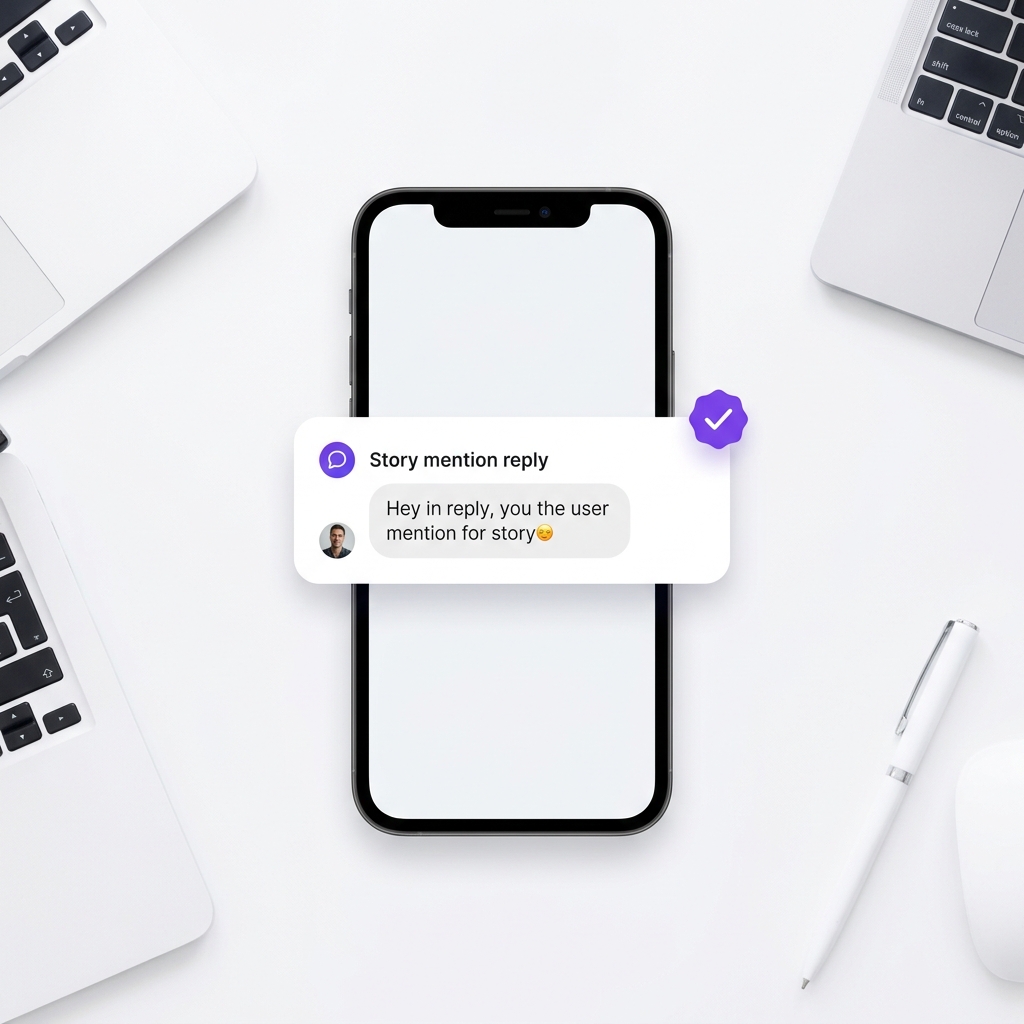
- Story Reply: Someone replies to your Instagram Story. Great for interactive stories with a call to action.
- Live Comment: Someone comments during your Instagram Live. Engage viewers in real time without stopping your broadcast.
How to Set Up Comment Automation in KwikDM
Step 1: Connect Your Instagram Account
Go to your KwikDM dashboard and click Connect Instagram. You will be redirected to Instagram's authorization page. Grant KwikDM the required permissions and you will be taken back to the dashboard with your account connected.
Step 2: Create an Automation Rule
Click Create Automation on the dashboard. KwikDM will walk you through a five-step setup:
- Trigger: Select "Comments on your Post or Reel"
- Scope: Choose whether this applies to all posts or a specific post from your media library
- Keywords: Set it to trigger on any comment, or only when specific words appear (e.g. "link", "price", "how much")
- Name: Give the rule a name so you can identify it later
- Message: Write the DM that will be sent. You can add a button with a URL if you want to include a link.
Step 3: Activate and Monitor
Save the rule. It goes live immediately. As comments come in, KwikDM sends DMs automatically.
Keyword Filtering: Send DMs Only to the Right Commenters
Not every comment deserves a DM. If you run a giveaway post, you may only want to respond to people who comment a specific phrase. KwikDM's keyword filter lets you specify exactly which words or phrases trigger the automation.
For example: trigger only when someone comments "send link", "how much", "DM me", or "interested". Anyone commenting just an emoji or a generic reply does not receive a DM.
Pro Features: Going Beyond the Basic DM
KwikDM's Pro plan adds three powerful features on top of the basic automation:
Ask to Follow First
Before sending the promised link or resource, KwikDM checks whether the commenter follows your account. If they do not, it sends a prompt asking them to follow first. Once they follow, the original DM is delivered automatically. This turns every automation into a follower acquisition system.
Collect Email or Phone
After the initial DM, KwikDM can ask for the person's email address or phone number inside the DM conversation. You write the prompt ("What's your email so I can send you the full guide?") and KwikDM collects the response. All contacts are stored in the Contacts dashboard, filterable by account.
Follow-Up Messages
Schedule an additional DM after the first message. For example: send a reminder up to 23 hours later (within the 24-hour Meta messaging window). Each follow-up has its own message text. This keeps conversations warm without any manual effort.
What to Write in Your Automated DM
The automated DM should feel personal, not robotic. A few rules:
- Open with a casual greeting
- Deliver the value immediately; do not make them guess why you messaged
- Keep it under 3 sentences for the first message
- Use a CTA button instead of pasting a raw URL into the text
"Hey! Thanks for commenting. Here's the link to the free meal plan I mentioned 👇" + [Button: Get the Free Guide →]
Frequently Asked Questions
Ready to scale your Instagram?
Try KwikDM Pro free for 7 days. Experience unlimited automations and advanced growth features.
Start 7-Day Trial →