
How to Collect Emails from Instagram Comments Automatically
For digital creators, coaches, and businesses, your email list is your most valuable asset. Social media algorithms change, but you own your email list forever. Typically, collecting emails from Instagram involves directing users to a link in your bio, waiting for them to load a landing page, and hoping they enter their details. KwikDM cuts out all the friction by letting you collect emails directly inside the Instagram DM chat.
The Friction Problem with Bio Links
Every step a user has to take between seeing your post and subscribing to your list reduces your conversion rate. Directing users to a bio link has high friction:
- User reads your post.
- User goes to your profile page.
- User clicks your link-in-bio URL.
- User waits for the external browser window to open.
- User manually types their name and email into a form.
With KwikDM, the funnel is shortened to a single comment. They comment on your post, they get an instant DM, they type their email inside Instagram, and they are subscribed.
Step-by-Step Guide to Collecting Emails on Instagram
Step 1: Set Up the Comment Trigger
Create a new automation rule in KwikDM. Set the trigger as Post Comment. You can target a specific Reel or post, or target all posts.
Step 2: Configure the Keyword Trigger
Choose a keyword that indicates high interest, such as guide, pdf,ebook, or join.
Step 3: Enable the Contact Collection Step
In the rule configuration, enable Collect Leads. Choose whether you want to collect Email only, Phone only, or Both.
Step 4: Customize the Prompts
Customize the messages KwikDM will send to prompt the user. For example:
"Awesome! Where should I send your copy of the guide? Please reply with your email address."
You should also configure a fallback message in case the user inputs something that isn't a valid email address:
"Oops, that doesn't look like a valid email. Please enter a valid email address."
Where Do the Captured Emails Go?
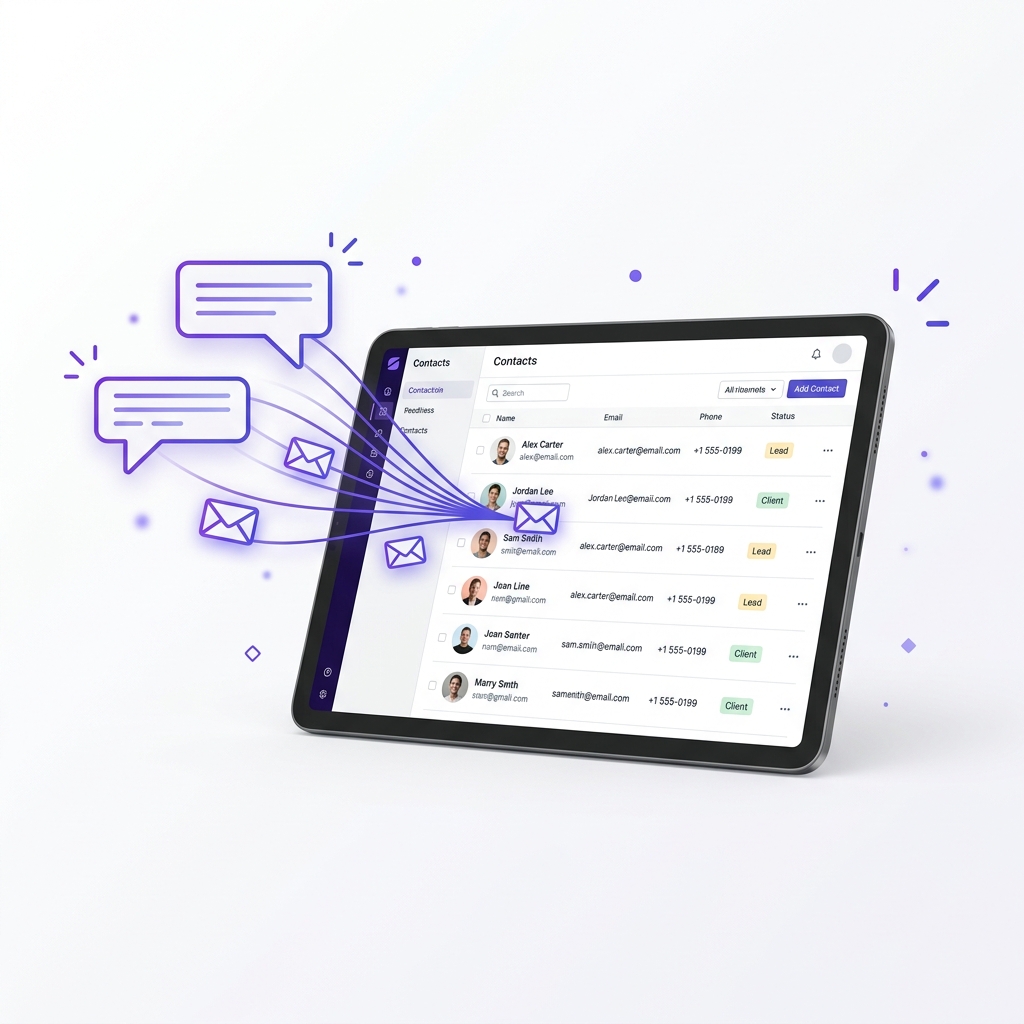
All emails captured through KwikDM are stored securely in your dashboard. You can navigate to the Contacts page in your dashboard to view, search, and filter your list. From there, you can easily export them to CSV to import into your email marketing platform (like ConvertKit, Mailchimp, or ActiveCampaign).
Frequently Asked Questions
Ready to scale your Instagram?
Try KwikDM Pro free for 7 days. Experience unlimited automations and advanced growth features.
Start 7-Day Trial →